Our Work Best Practices Testimonials Meet the Team
Start a Project →
Loading video

Behind every complex idea
is a story worth telling

Start a Project →
Start a Project Start a Project Submit your brief Sample Videos Sample Videos Explore our work Templates Templates Briefs & scripts AI Tools AI Tools Recommended tools Contact Team Contact Team Reach out to us
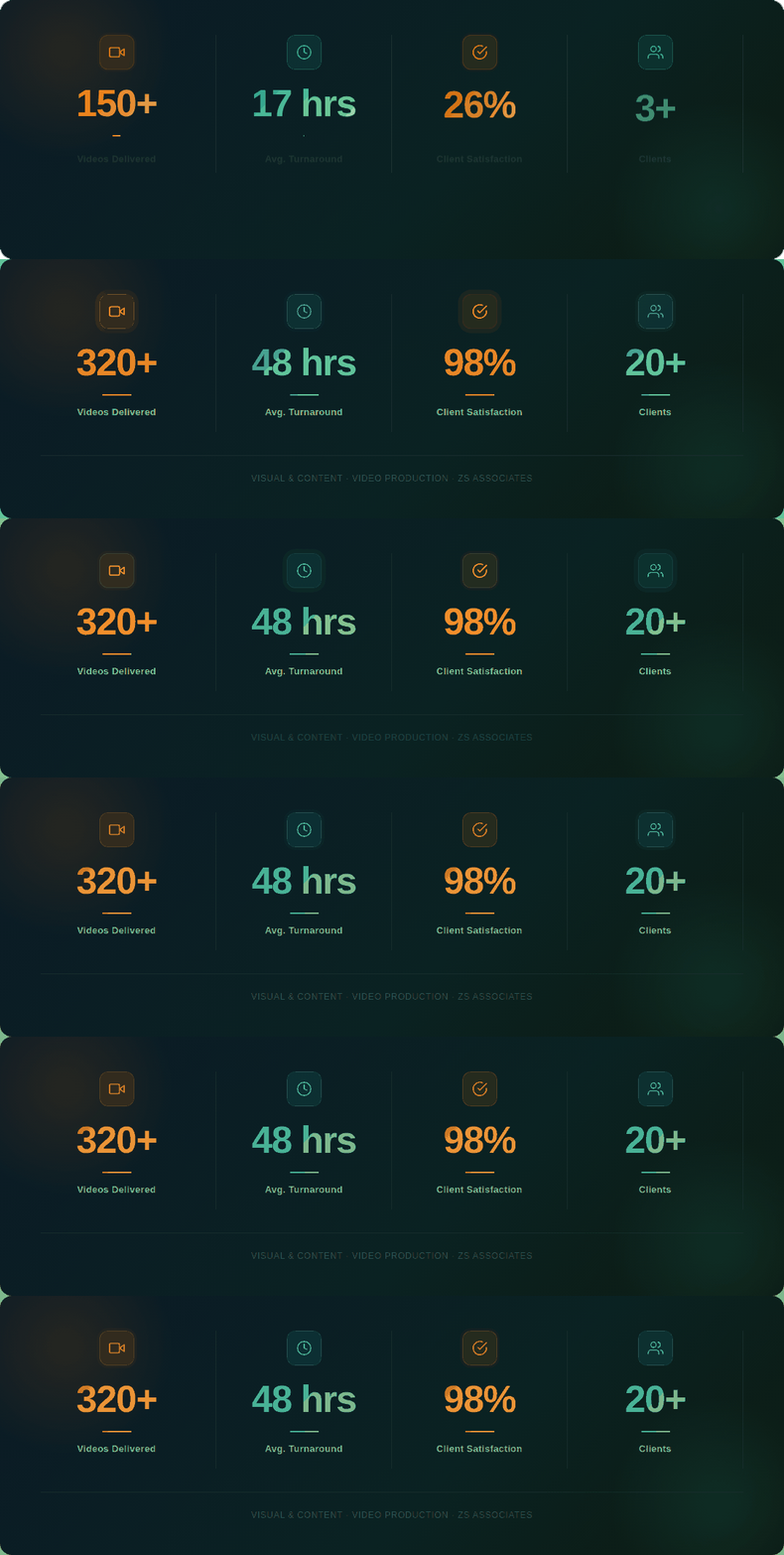
Team Statistics
What We Create
Our Work

From short promos to full productions -
pick the format that fits your need and explore sample work from each.
View all work →
Product Teaser
Product Teaser

Short, high-impact clips to promote a product, feature, or campaign. Perfect for launches and social channels.

30-90 secSocial
View Samples →
Product Walkthrough
Product Walkthrough

Narrated, screen-recorded videos showing exactly how a product or tool works. Ideal for onboarding and training.

2-5 minScreen + Voice
View Samples →
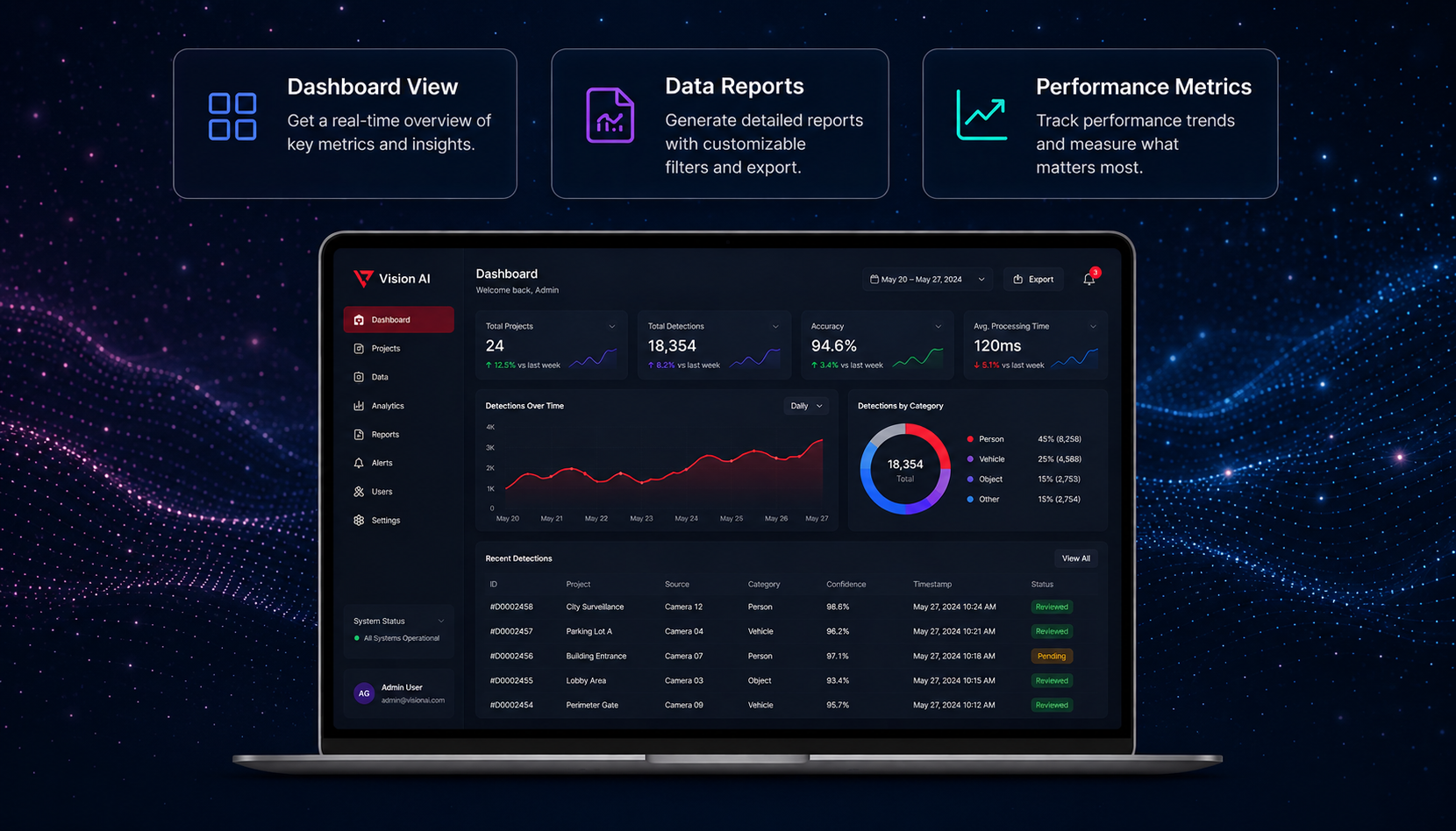
Animated Explainer
Animated Explainer

Motion graphics that break down complex ideas into clear, engaging visuals. No camera or studio required.

1-3 minAnimation
View Samples →
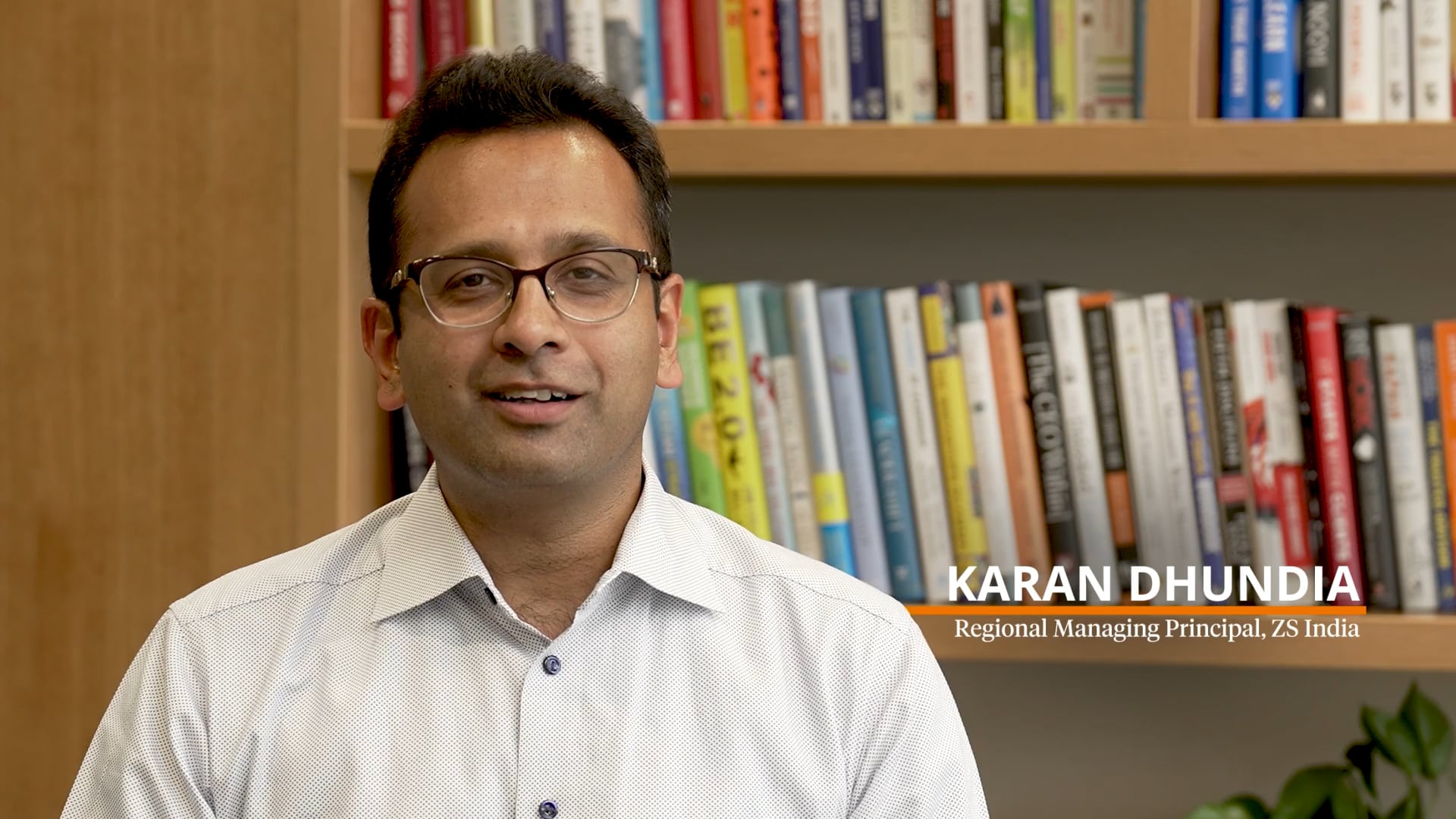
Testimonial & Interview

On-camera conversations with clients, experts, or team members. We handle framing, lighting, editing and subtitles.

2-8 minOn-Camera
View Samples →
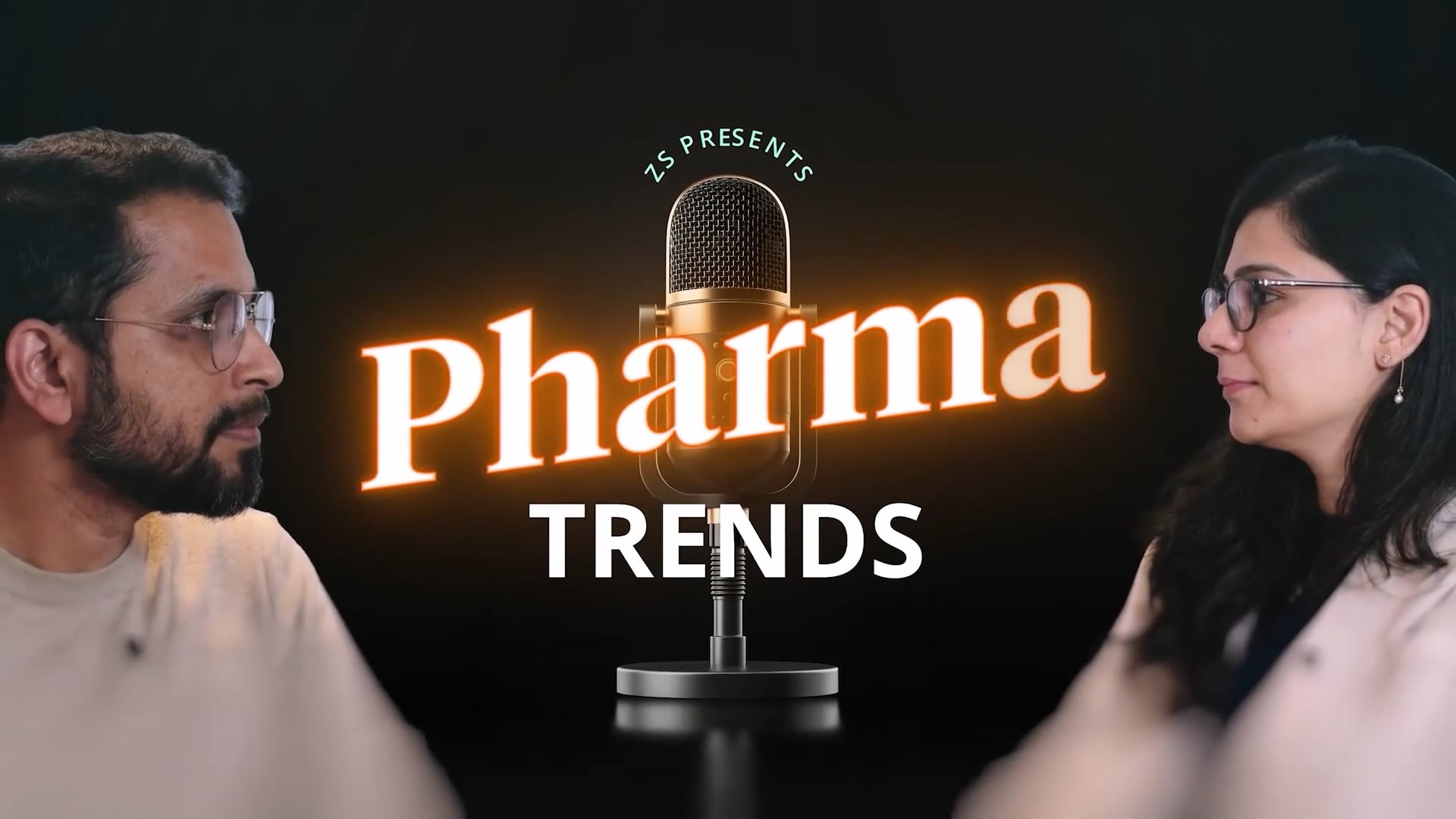
Podcast - Audio & Video

Full production support for audio and video podcasts - recording, editing, and distribution-ready files.

Any LengthAudio + Video
View Samples →
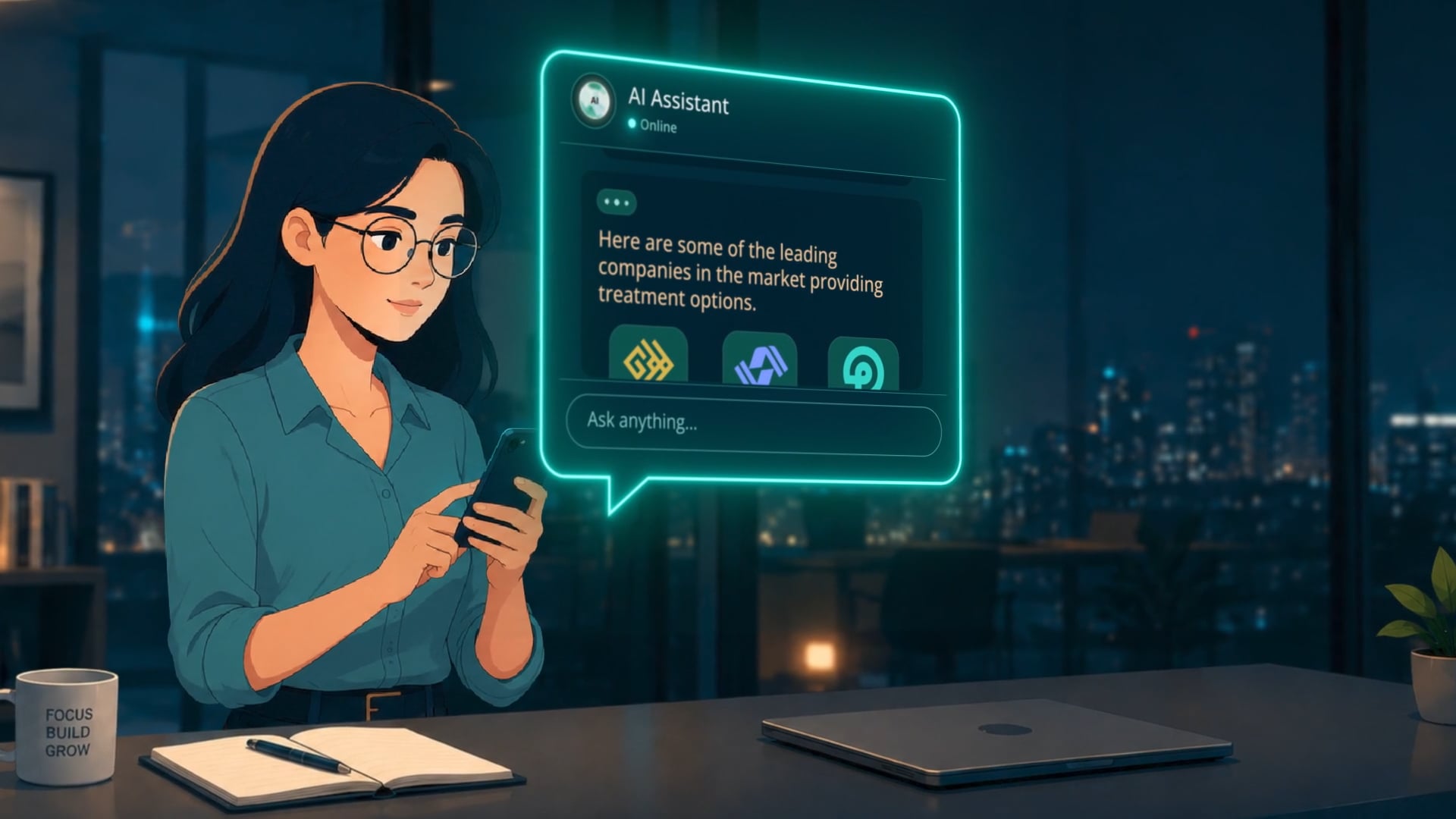
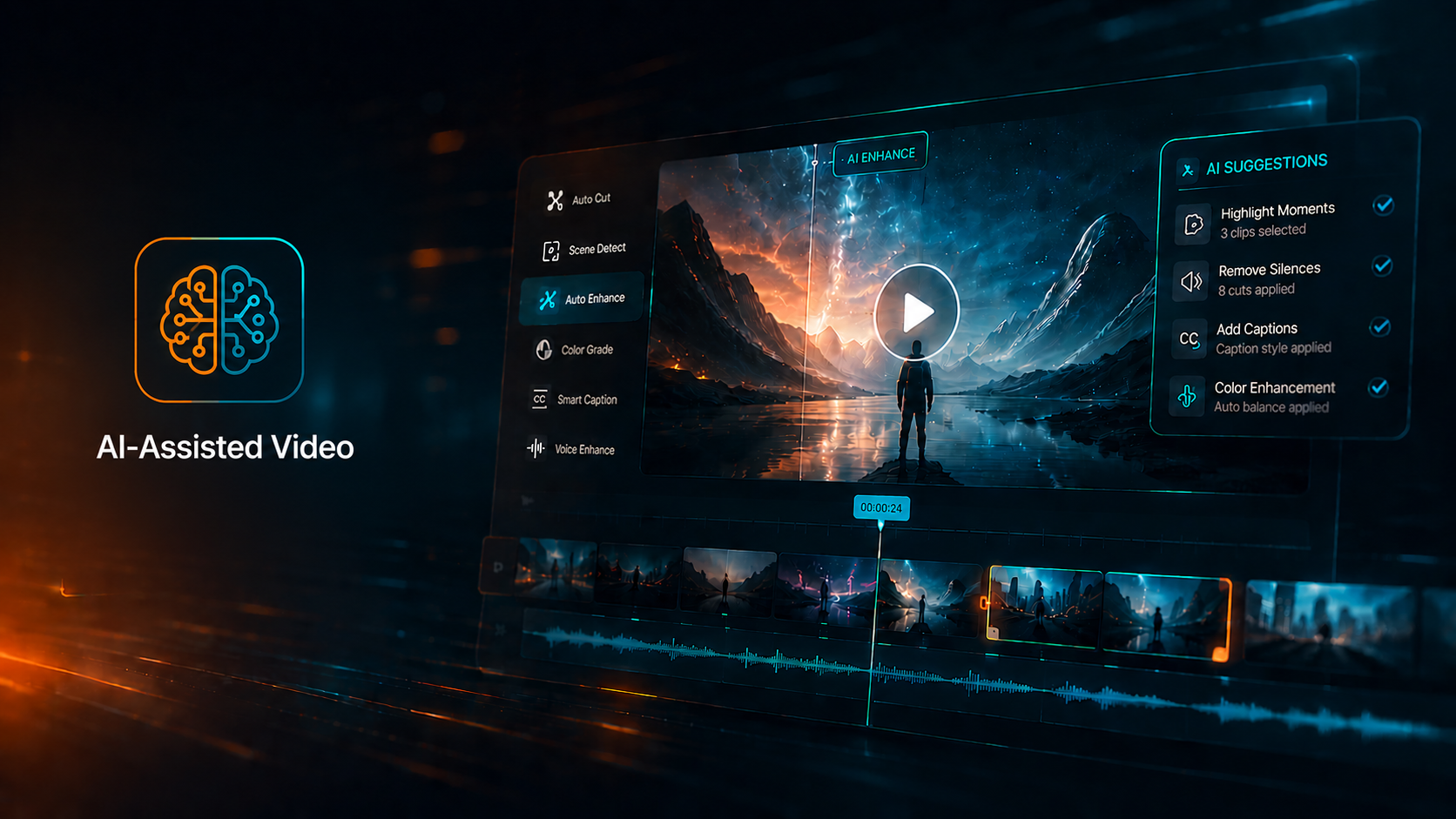
AI-Assisted Video
AI-Assisted Video

Fast, scalable video using AI avatars, synthetic voiceover, and AI-assisted editing. Great for multilingual content.

FastAI-Powered
View Samples →
Learn the Basics
Best Practices
120 words per minute
Plan your word count first. 1 min = ~120 words, 2 min = ~240 words.
Write for the ear
Read your script out loud before sending. If you run out of breath, the sentence is too long.
One idea per sentence
Avoid chaining ideas with "and" or "but." One thought, one breath, one sentence.
Lead with the benefit
"Now you can..." beats "This product includes..." Hook the viewer in 5 seconds.
Include scene directions
Note what should appear on screen alongside the voiceover. Helps us plan visuals.
Get approvals first
All stakeholders must approve the script before production. Changes after cause delays.
Download Sample Script (PDF)
Full HD - 1920x1080
Record at 1080p+, 30fps. Use rear camera where possible.
Always landscape
Never portrait. Portrait footage can't be used for widescreen without major cropping.
Face the light source
Never have a window behind you. Always face the light to avoid silhouette.
Use a tripod
Even slight movement ruins professionalism. Use a tripod or stable surface.
Quiet room only
Switch off fans and AC. Even ambient noise gets captured by the microphone.
No filters or beauty modes
Turn off all filters - they interfere with colour grading.
Never use digital zoom
Digital zoom causes pixelation. Move physically closer instead.
Passport-style framing
Space above head, arms partially visible. Don't cut off your chin.
Wait 5 seconds before speaking
After hitting record, pause 5 seconds to give editing room at the start.
File format & sharing
Save as MP4 or MOV, uncompressed. Never send via WhatsApp or email.
Zoom App
01Start a meeting
02Share Screen with sound
03Select screen or window
04Click Record
Microsoft Teams App
01Start or join a meeting
02Click Share
03Select screen or window
04Three-dots → Start Recording
Snagit App
01Launch Snagit
02Switch to Video Mode
03Capture - drag to select area
04Record → Stop when done
Minimize cursor movement
Avoid erratic movements between steps.
Take pauses
Pause briefly before switching tasks.
Clear your screen
Close unnecessary apps before recording.
Test audio first
Check mic settings before the full take.
Microsoft Copilot
M365
Draft scripts, summarise briefs, and generate thumbnail graphics inside PowerPoint.
Script writing · Ideation · Thumbnails
Microsoft Clipchamp
M365
Built-in video editor - trim footage, add captions, generate voiceover, access stock footage.
Editing · Captions · Voiceover
HeyGen / Synthesia
Purchase
AI avatar presenter platforms for multilingual, training, and HR content.
AI avatars · Multilingual · Training
Napkin AI
Purchase
Paste text, get instant infographics, diagrams, mind maps, and flowcharts.
Infographics · Diagrams · Flowcharts
GPT Image 2 / Gemini
Purchase
AI image generation for thumbnails, title cards, and visual assets from a text prompt.
Thumbnails · Title cards
Google Veo 3
Purchase
Text-to-video AI. Generate b-roll and concept footage without a camera.
AI video · B-roll · Concept footage
What People Say
Testimonials
AK
Alex Kumar
Senior Manager, Commercial Strategy
"The team delivered an exceptional product demo video..."
"

The team delivered an exceptional product demo video that perfectly captured our tool's capabilities. The quality exceeded our expectations and the turnaround was impressive.

Placeholder
SR
Sarah Reynolds
Director, Client Engagement
"Working with the Video Production team was seamless..."
"

Working with the Video Production team was seamless from brief to delivery. They understood our vision immediately and translated it into a compelling animated explainer our clients love.

Placeholder
MP
Marcus Patel
Lead, Knowledge Services
"The team turned around a high-quality event promo..."
"

The team turned around a high-quality event promo video in record time. Their attention to brand consistency and ability to work within tight deadlines makes them an invaluable partner.

Placeholder
Who We Work With
Our Clients
Click any logo to explore videos we have created for that client or practice.

* Placeholder logos - replace with actual client or practice logos when available.

Our People
Meet the Team
NG
Director
Nipun Gosain
Visual & Content Team
nipun.gosain@zs.com
Heads the Visual & Content team, Nipun oversees strategy, quality, and delivery across all internal and client-facing projects.
KV
Team Lead
Khushboo Verma
Team Lead & Consultant
TA
Tista Adhikari
Associate Consultant
SA
Saad Ali
Associate Consultant
PK
Puneet Keswani
Associate Consultant